Games first
Grandparents open one schedule and see the games. Maw&Paw reads TeamSnap and GameChanger and keeps games only.
 ISM Creations
An ISM Creations app
Maw&Paw is for grandparents who should not have to open a different team app for each kid. Parents paste the TeamSnap or GameChanger link. The app shows games only, so game day is easy to see and hard to miss. Care requests are the second use, when a parent needs a ride or an afternoon covered.
In the app
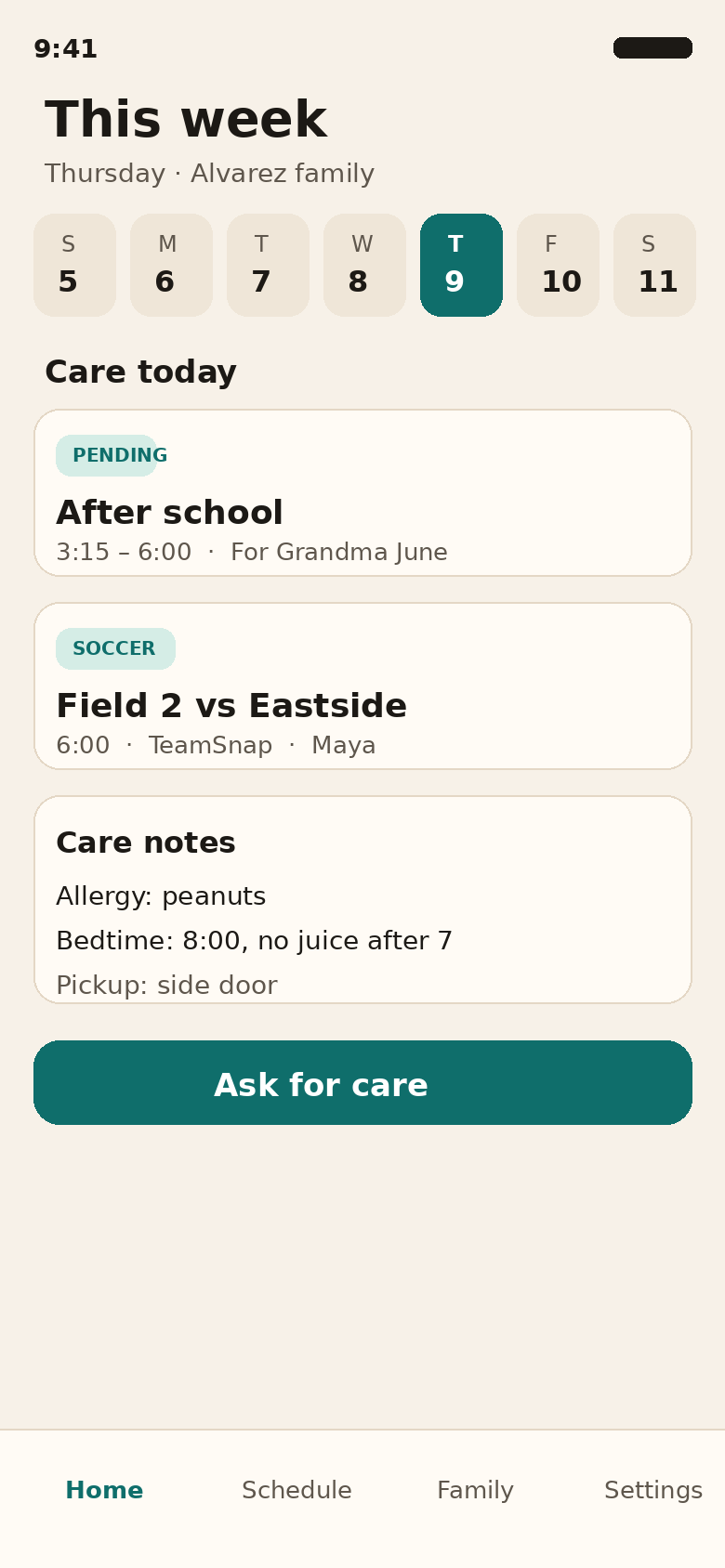
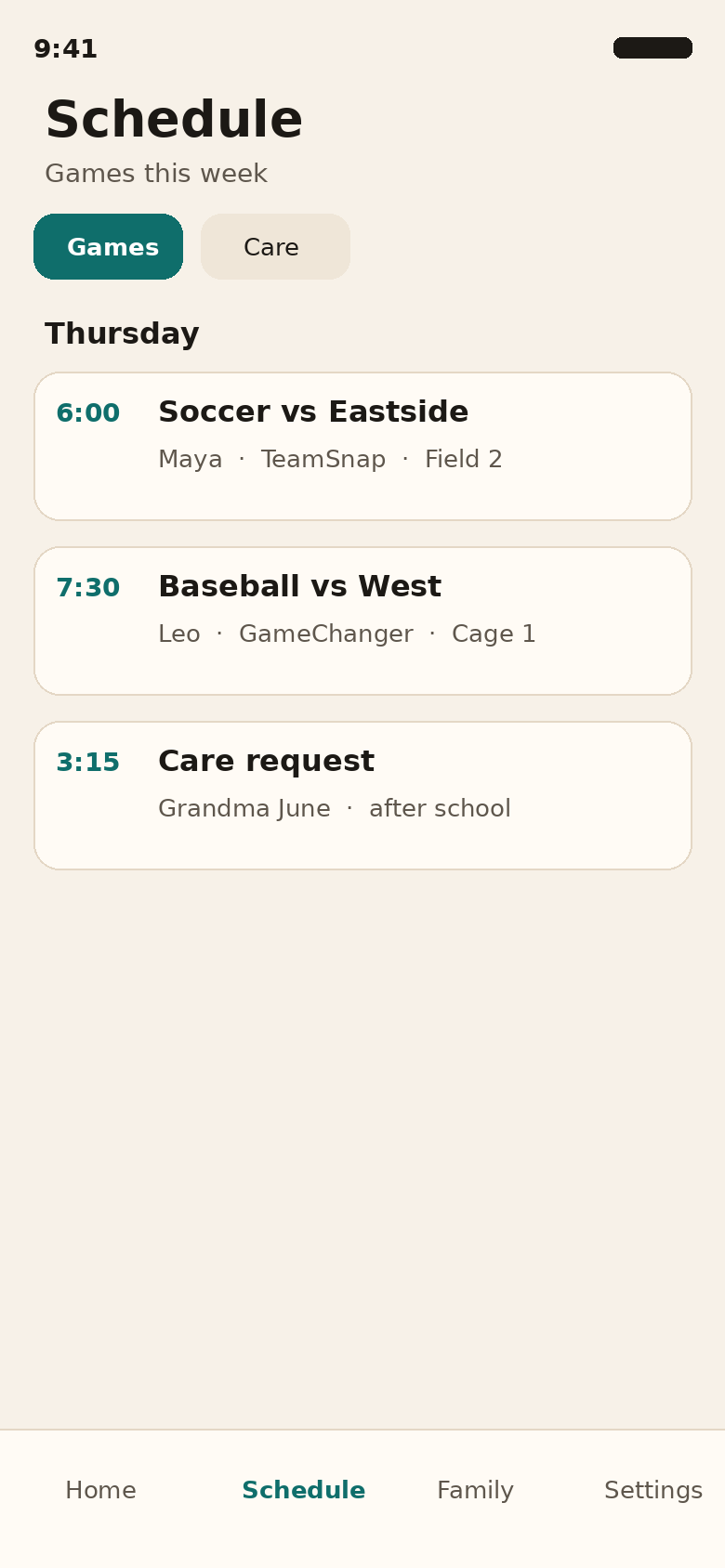
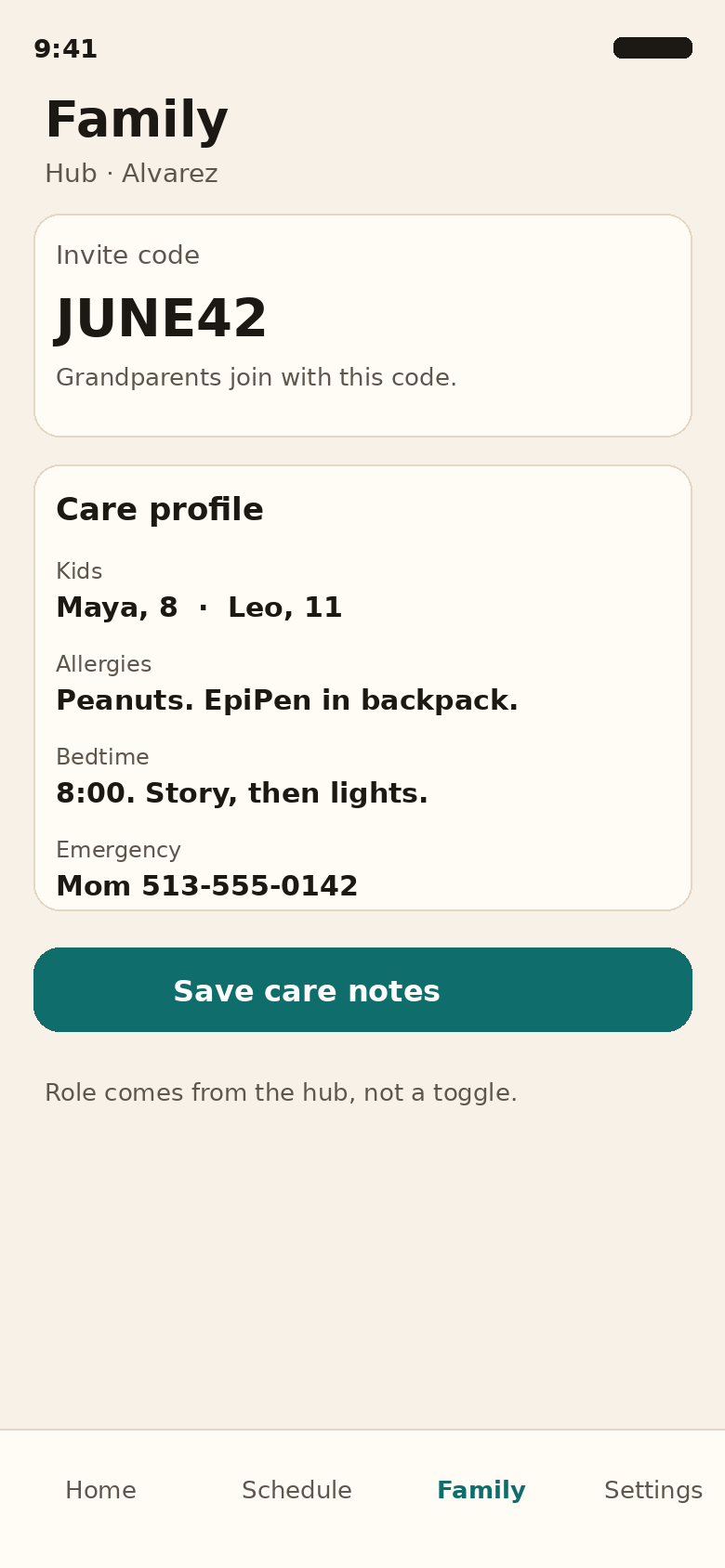
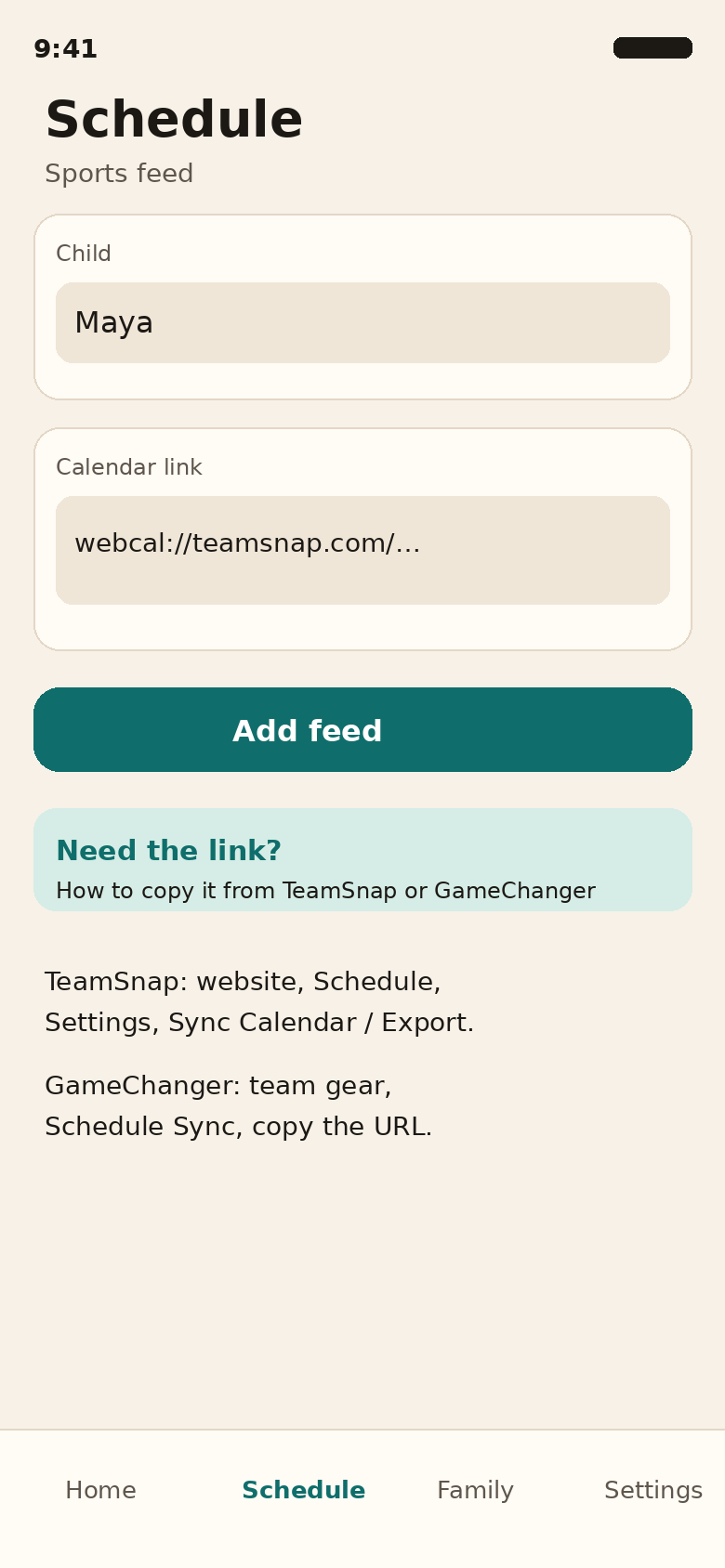
Grandparents open one schedule and see the games. Maw&Paw reads TeamSnap and GameChanger and keeps games only.
A parent pastes each team link once. After that, a moved game updates for the grandparents who were invited.
The second use. A parent can ask for a ride or an afternoon, with allergies and bedtime on the care profile.
Paste a TeamSnap or GameChanger calendar link. The app does not log into those services. It shows the games on the feed you added.
TeamSnap and GameChanger stepsPhotograph a school or team flyer and add the event to the family calendar. The photo is used to read the flyer, not kept as a gallery.
Store listing is in progress. Privacy and terms for reviewers are already public: privacy and terms. Account deletion is in the app under Settings.